Presets
kle-ng ships a library of ready-made layouts — full-size ANSI and ISO, 60% variants, ortholinear, split and ergonomic boards, and a blank canvas.
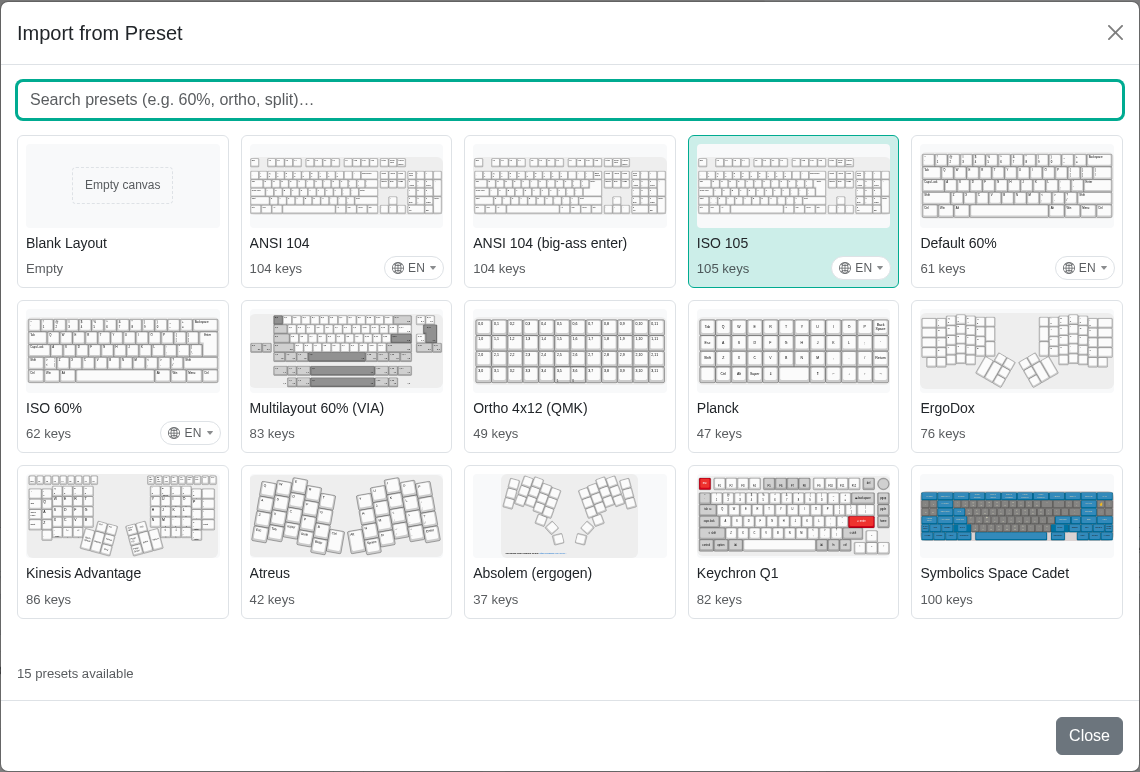
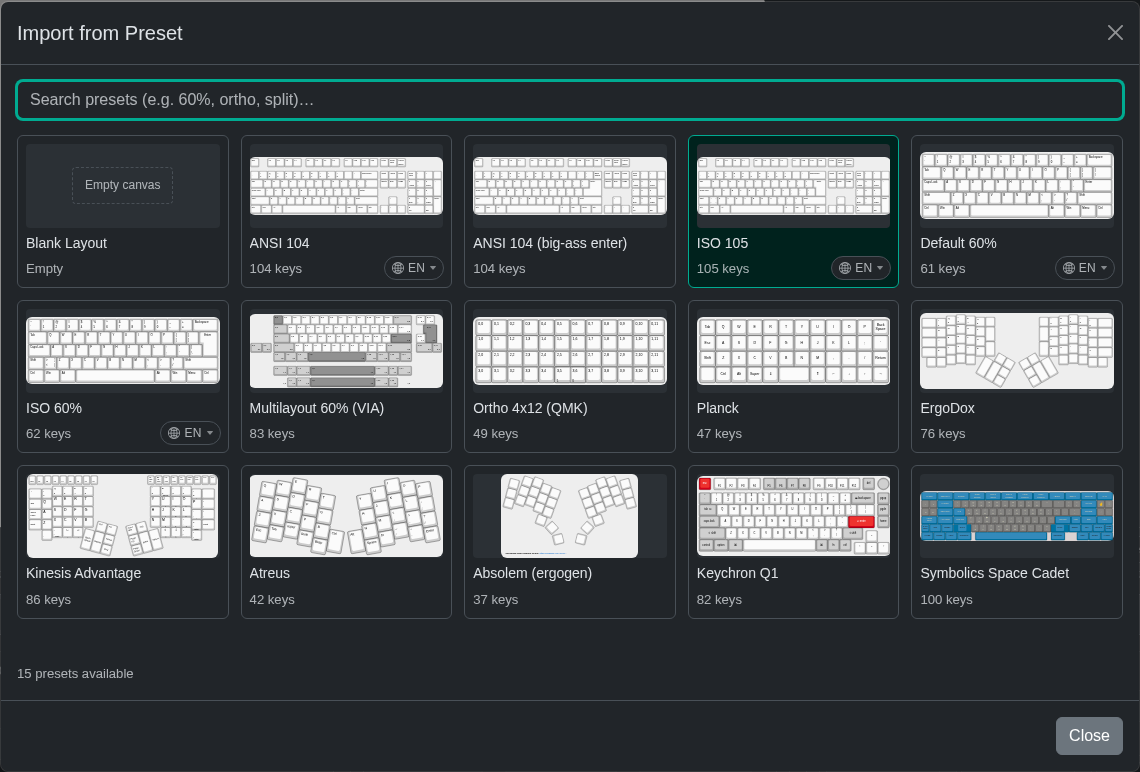
The most popular presets are listed directly in the Import menu under Top Presets. Import → From Preset opens the whole library. Search by name or keyword (ortho, split, 60%) and click a card to load it.
Loading a preset replaces the current layout and clears the undo history, so save your work first.
Languages
ANSI 104, ISO 105, Default 60% and ISO 60% come in 117 languages. The legends follow the layouts shipped with X11, including AltGr characters.
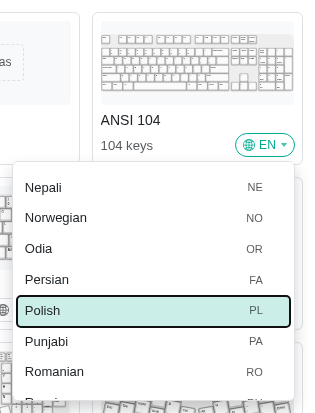
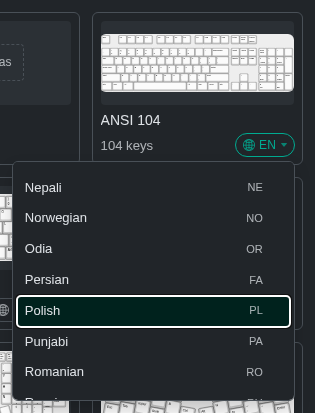
To pick a language, click the globe button in the card's corner (🌐 EN) and choose one from the list, then click the card to load it. Clicking the card without opening the list loads the default language. You can type in the list to jump to a language by name or code, for example pol or pl for Polish.
The default is US English on every board, kept plain with only the base and Shift legends. For a UK printing, choose British English. For more legends, choose English (US, International) or British English (Extended), which add the AltGr layer. For Japanese, Japanese (Kana) adds kana next to the romaji.
Some languages also offer alternative layouts, listed next to the language under the same name: English (Dvorak), English (Colemak) and English (Colemak-DH); French (BÉPO) and the newer French (AZERTY, AFNOR) standard; German (E1) and German (Neo 2); the QWERTY versions of Czech and Slovak; Turkish (F); Romanian (Standard); the phonetic Russian and Bulgarian layouts; Tamil (Tamil99); and Canadian French (Multilingual).
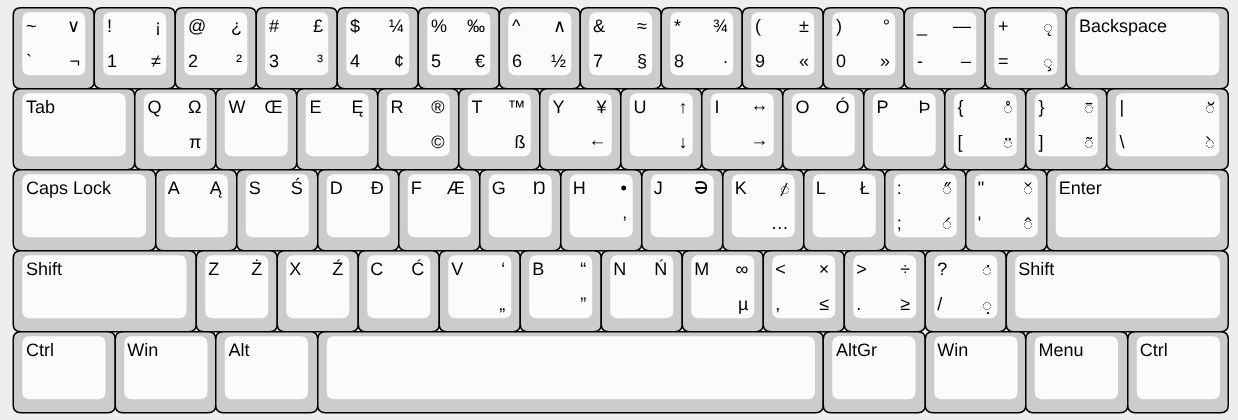
Reading the legends
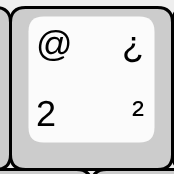
A key can show up to four characters, one in each corner. The Polish 2 key on the right shows all four:
| Corner | How to type it | Example |
|---|---|---|
| Bottom left | the key alone | 2 |
| Top left | Shift | @ |
| Bottom right | AltGr | ² |
| Top right | Shift + AltGr | ¿ |
Letter keys show only the capital letter, as printed keycaps do. The letter is typed in lower case, or in upper case with Shift. The same goes for a capital on the right: on the Polish A key, Ą means AltGr types ą and Shift + AltGr types Ą.
Japanese (Kana) is the exception: its right-hand corners show kana instead of AltGr characters.
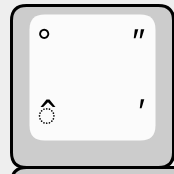
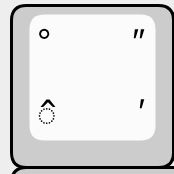
Dead keys are drawn with their accent on a dotted circle (◌), so you can tell them apart from ordinary characters such as ^. A dead key types nothing by itself; it adds its accent to the next letter you type. On the German ^ key on the right, the circumflex in the bottom-left corner is a dead key; the other three characters are not.
The language only affects the legends; the key positions are the same in every language. It is not saved in the layout, but it becomes part of the default file name (ansi-104-pl).